
· 1 min read
How the Petizen QR code helps a lost pet get home
What happens when someone scans your pet's ID card — and what they can (and can't) see.
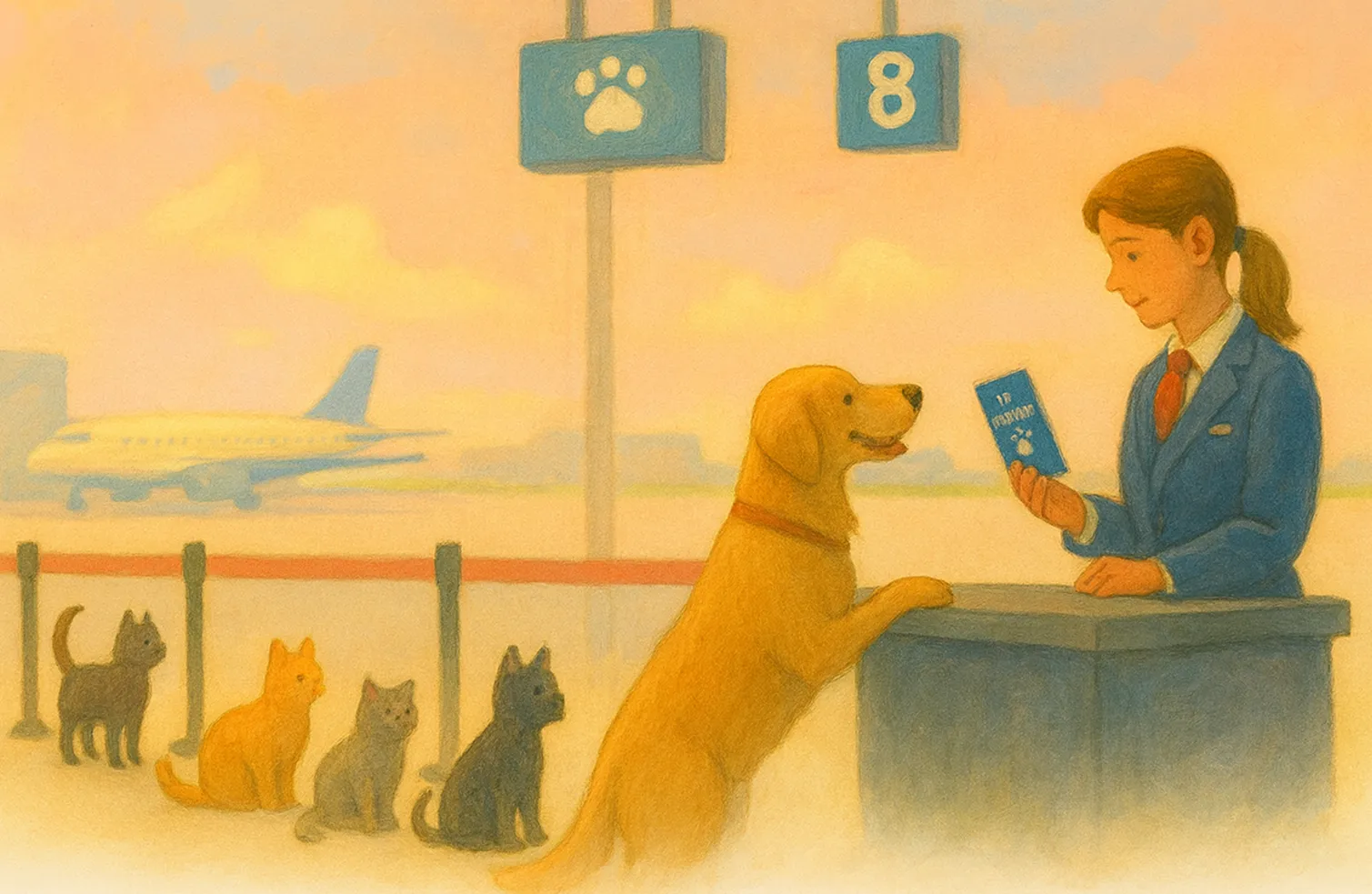
Every Petizen Pet ID card carries a QR code. Here’s what it does.
1. Someone scans it
No app needed. Any phone camera opens your pet’s public profile — photo, name, species, breed, colour, Petizen ID and vaccination history.
2. You decide what else is shared
Three separate switches control everything beyond the basics:
| Setting | What it adds to the public page |
|---|---|
| Finder contact | Your pet’s first emergency contact — name, phone, email — so a finder can call you |
| Emergency medical info | Active allergies, current medications, chronic conditions and blood type |
| Public health sharing | Full health records (checkups, tests, results) |
All three are off until you turn them on, and your account details are never shown.
3. Mark your pet as lost
Set your pet’s status to Lost in the app and the card and profile update instantly, so anyone who scans it knows to get in touch.